01
Build the log
Search music, add imaging, save shows, and keep timing visible.
Music library, imaging, playout, segues, microphone controls, audio routing, and Icecast/Shoutcast broadcasting.
Build a show, control the transition, run it live, handle the mic, and send the program mix to your stream.
01
Search music, add imaging, save shows, and keep timing visible.
02
Set transitions with waveform context instead of guesswork.
03
Keep decks, meters, mic state, now playing, and up next in view.
04
Control gain, ducking, compression, EQ, ambience, and voice tracks.
05
Send program audio to Icecast or Shoutcast with metadata and reconnects.
RadioFlow brings the broadcast workflow into one Mac app without turning every task into a separate product.
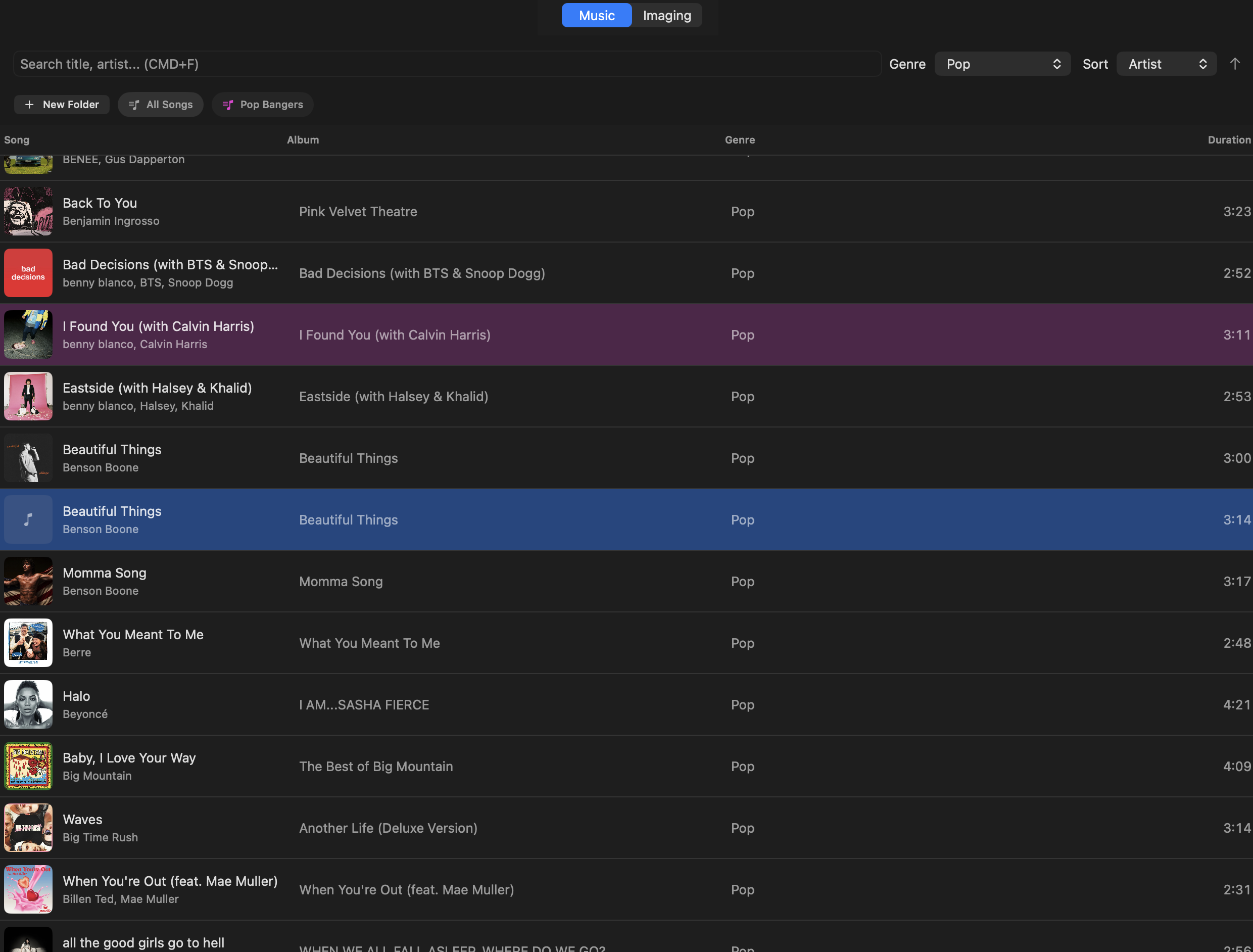
Import large libraries, filter quickly, and find tracks with CMD+F.
Keep sweepers, promos, beds, stings, and news items organized.
Queue order, runtimes, durations, and upcoming items stay clear.
Crossfades and overlap handling keep handoffs tight.
Edit transitions visually before they hit the log.
Intro and outro detection gives transitions a cleaner starting point.
Preview tracks with Space without touching program output.
Use gain, meters, ducking, compression, EQ, ambience, and voice tracks.
Separate program, preview, monitor, recording, and broadcast paths.
Configure Icecast and Shoutcast servers with metadata support.
The main views are built around real station work: library prep, live playout, mic control, segue editing, show management, and broadcasting.
01
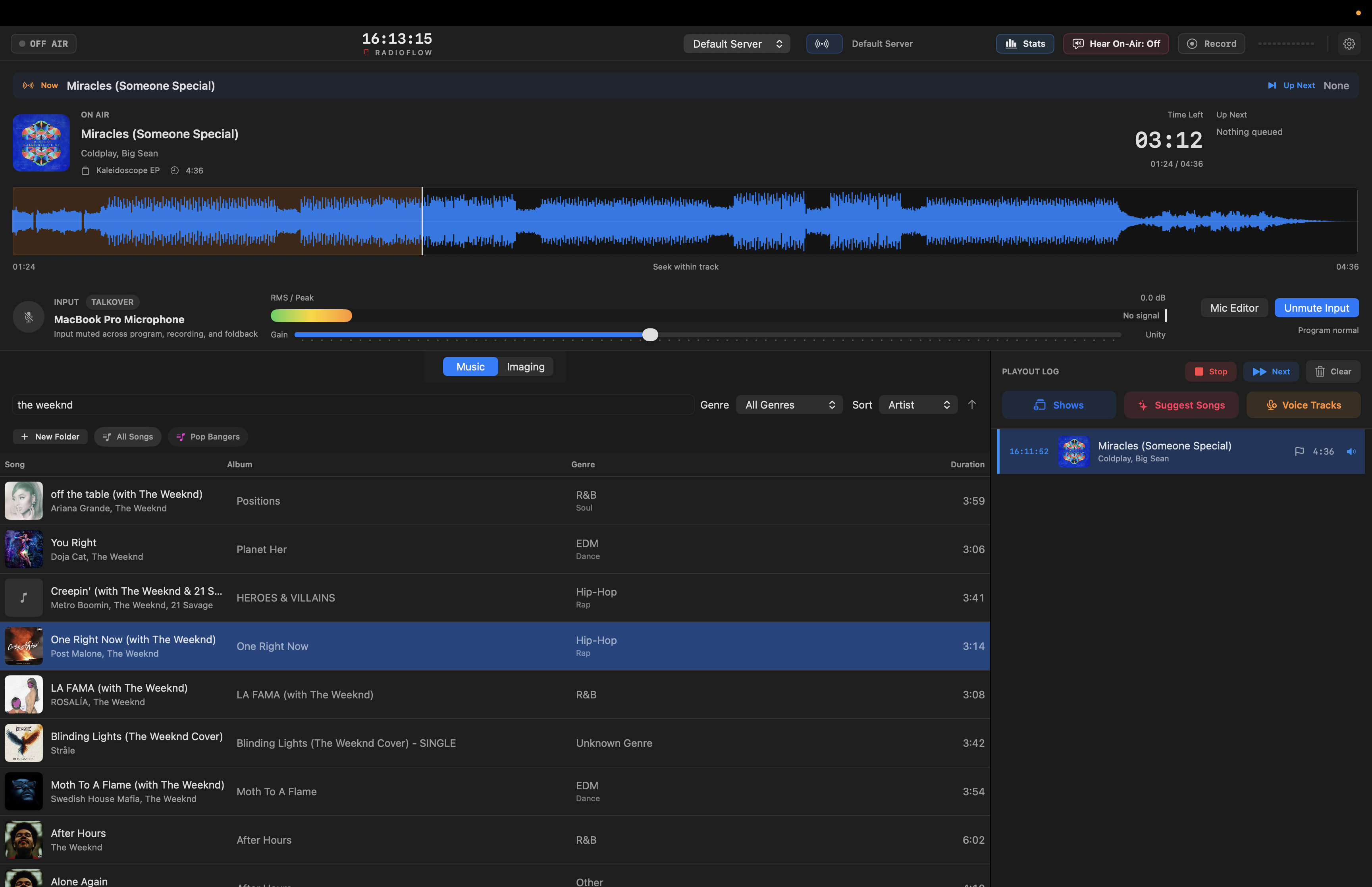
Decks, meters, microphone state, now playing, and up next stay in one view.
02
Search, sort, preview, and add tracks without leaving the main workflow.
03
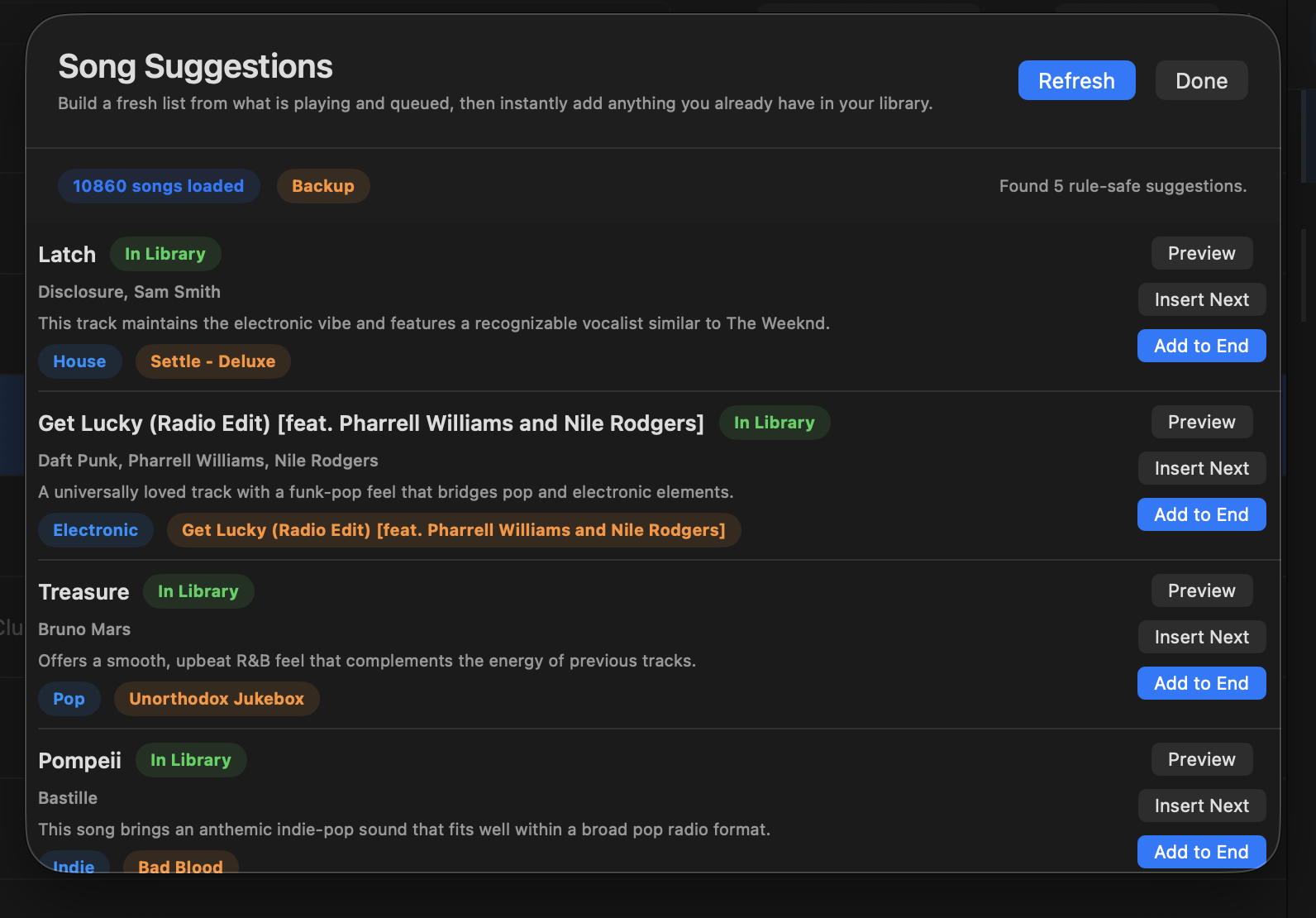
Build fresh song ideas from the current show context and add tracks you already have.
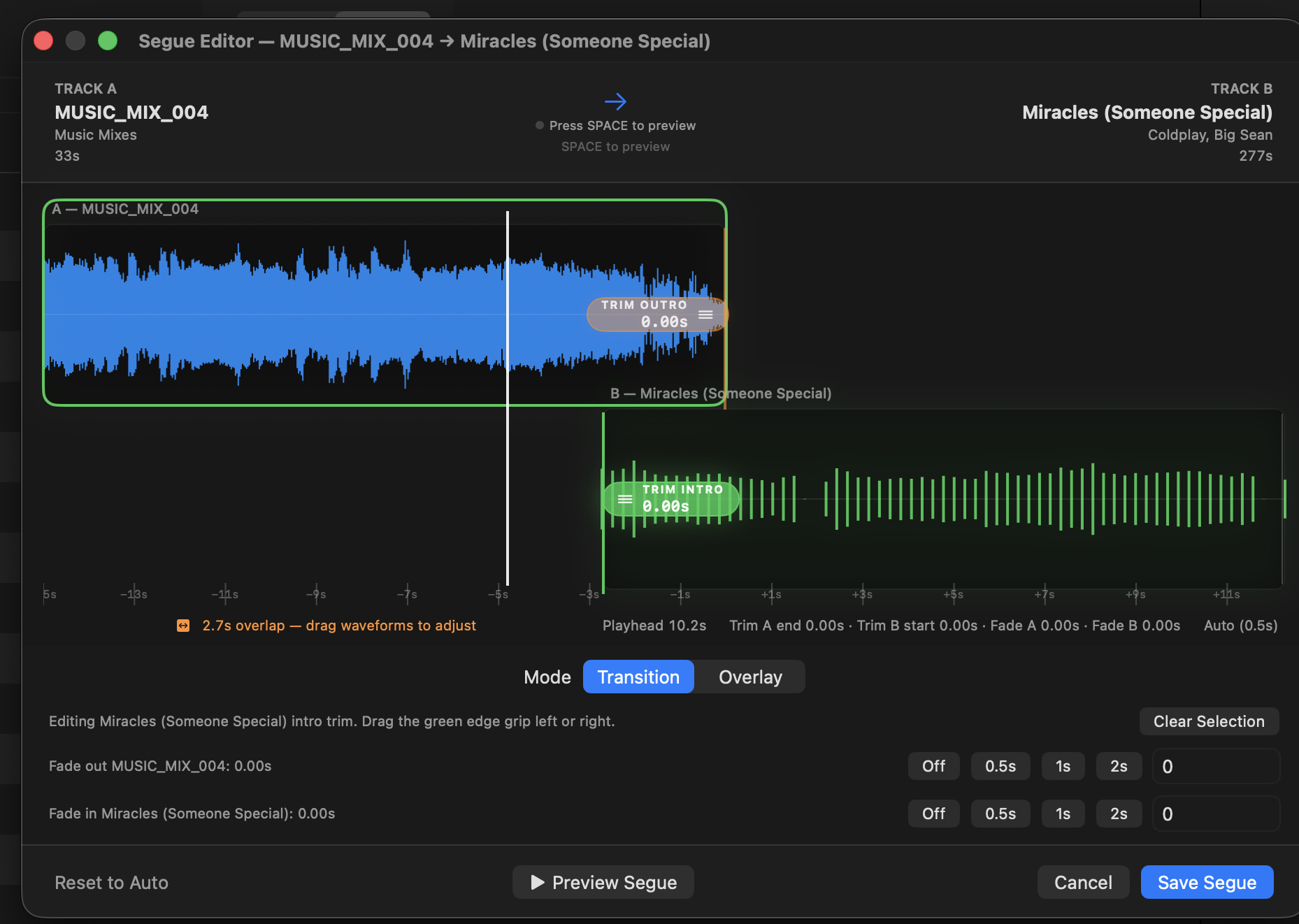
04
Adjust overlap and transition points with a clear waveform view.
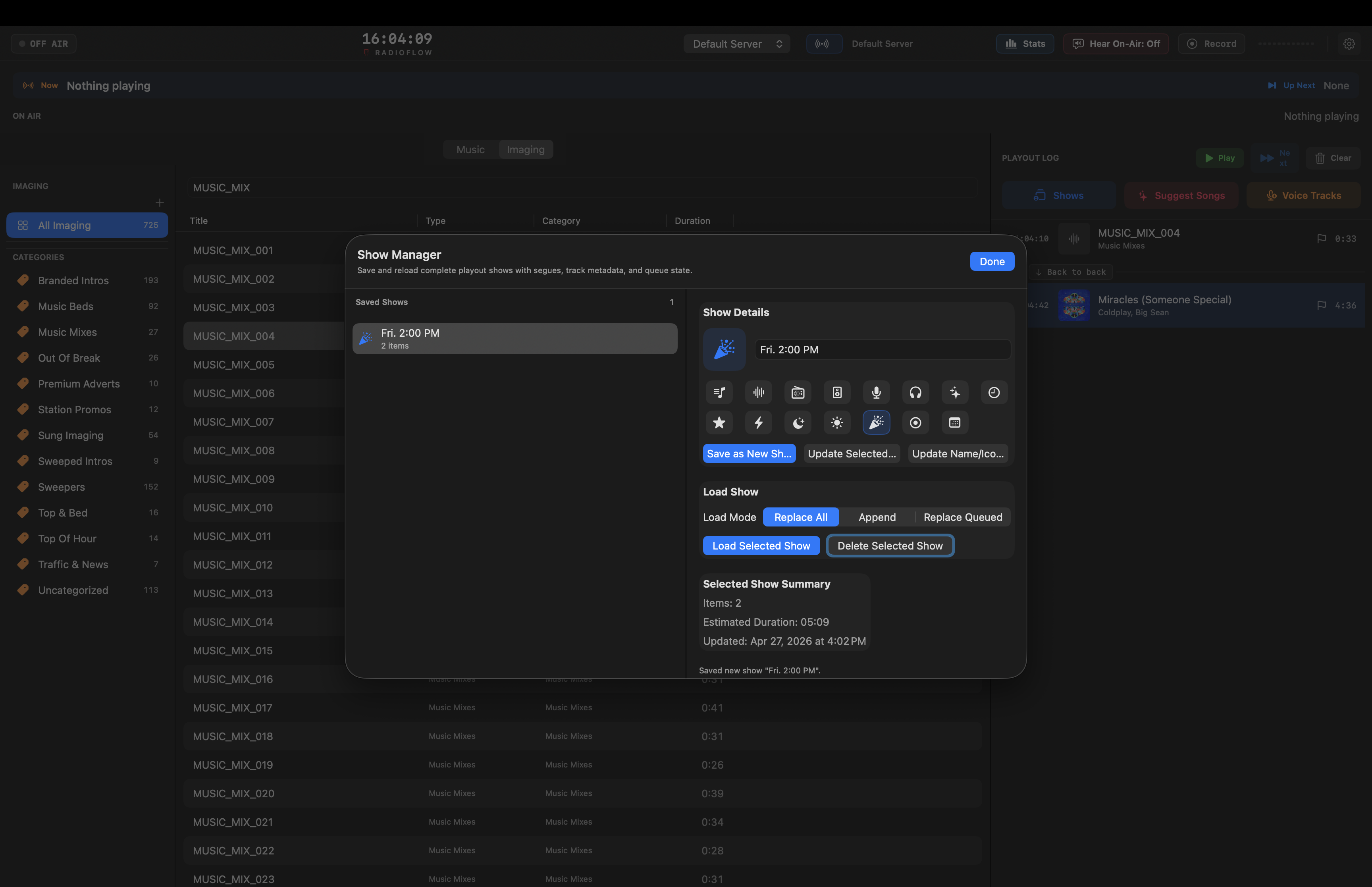
05
Save shows, reload them, append them, or replace the current queue.
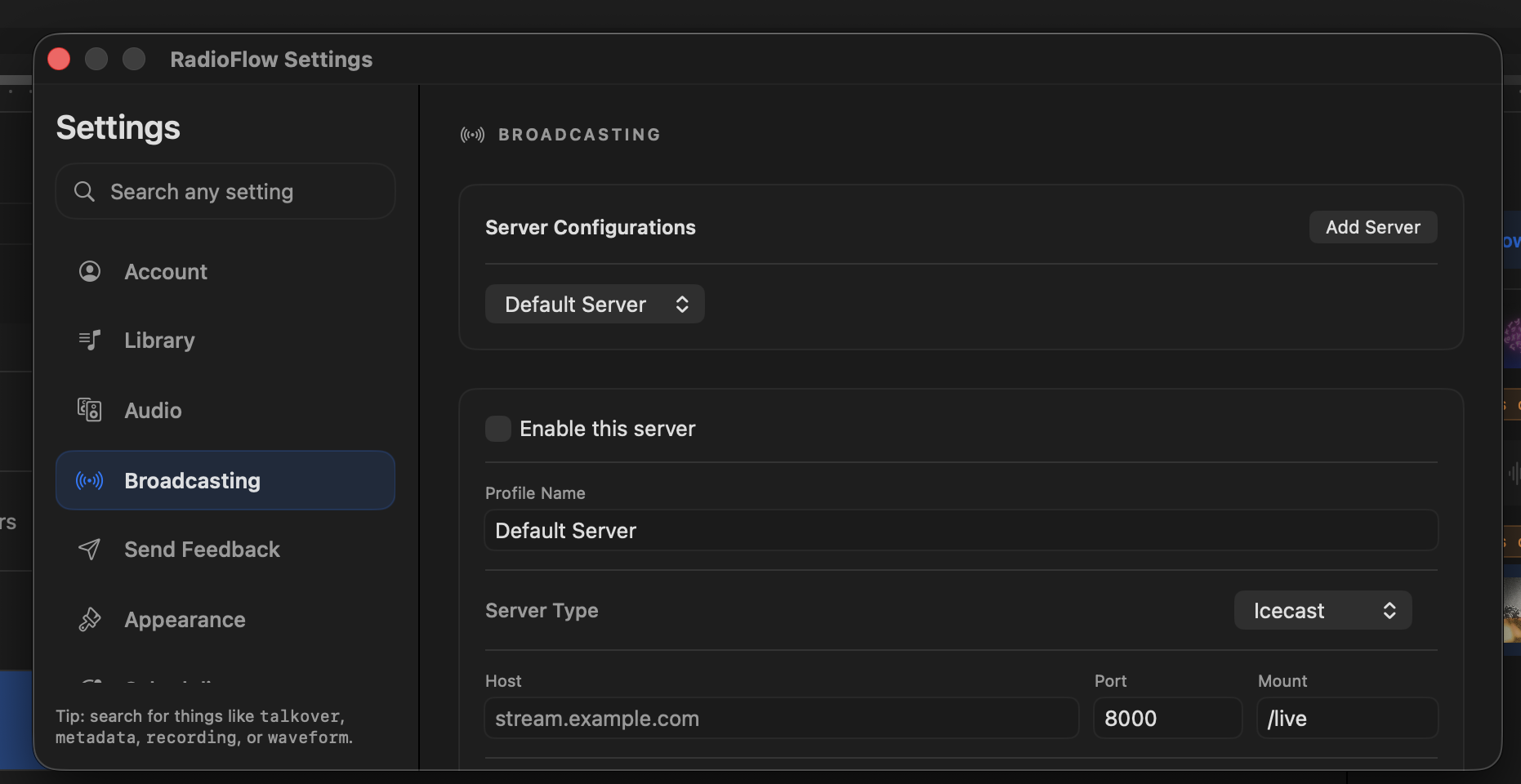
06
Configure Icecast and Shoutcast servers, codecs, bitrate, reconnects, and stream metadata.
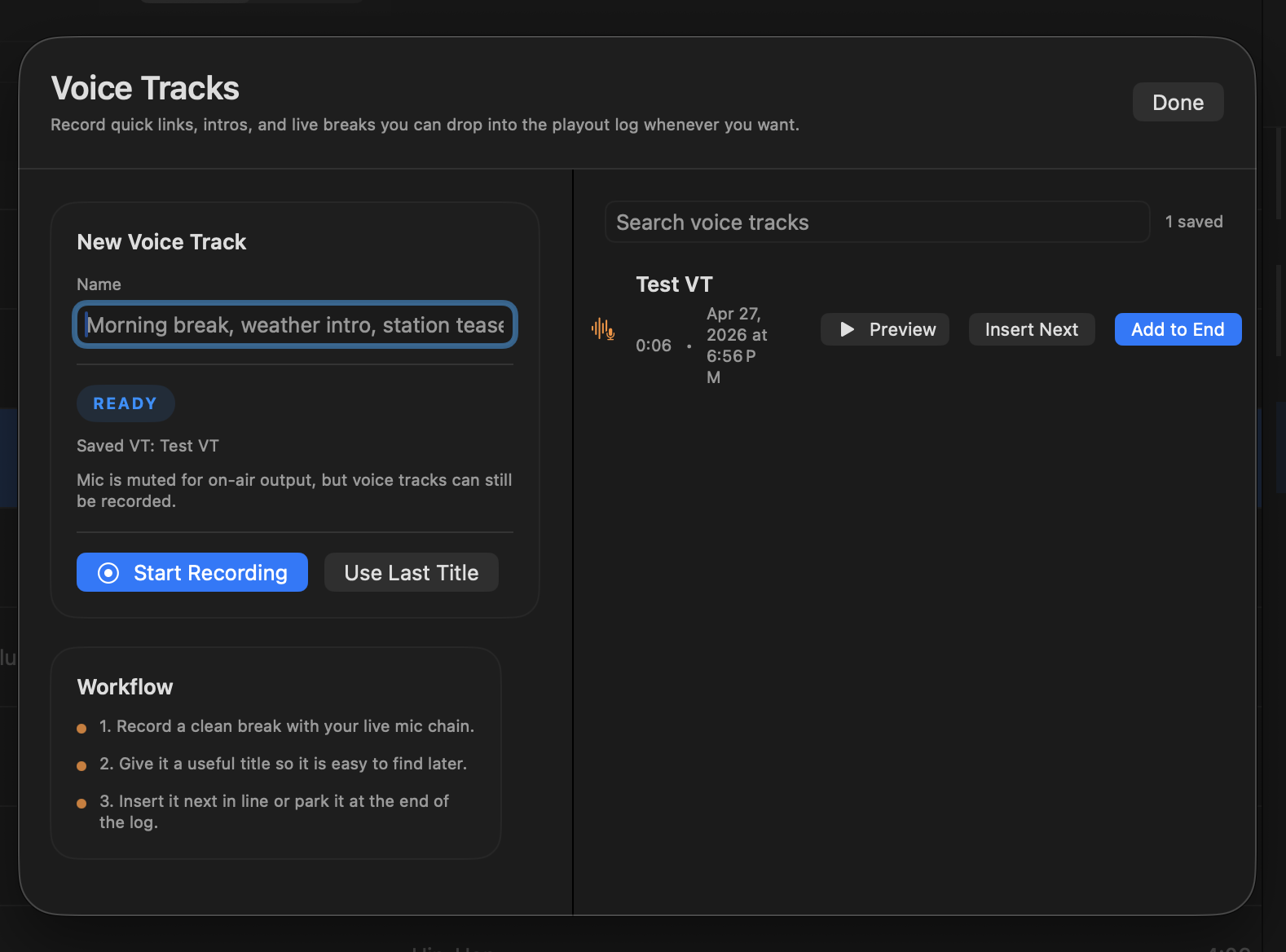
07
Record quick breaks, links, intros, and talk segments for the playout log.
Request access if you want to test the macOS build, follow updates, or help shape the app before public release.